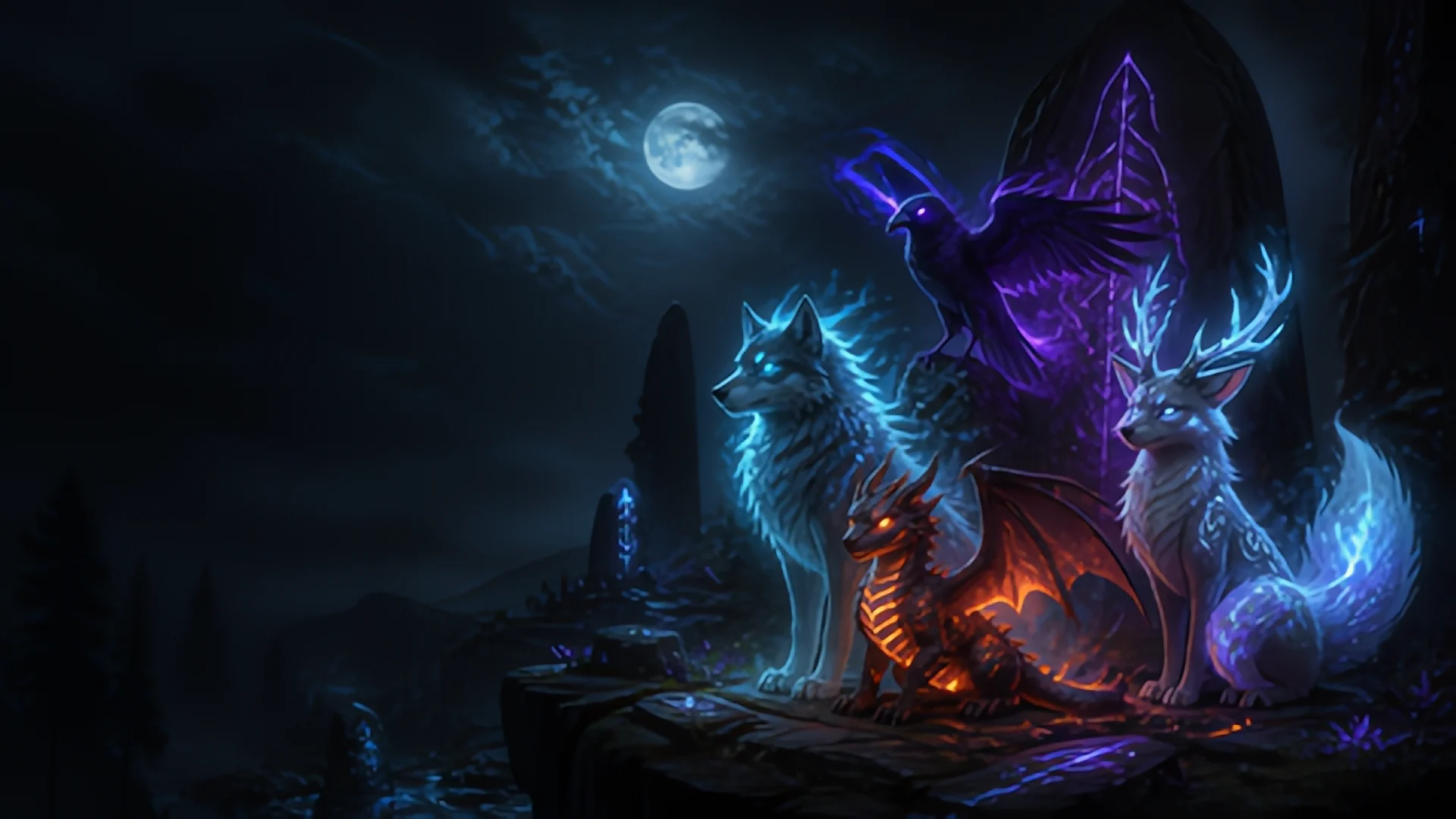
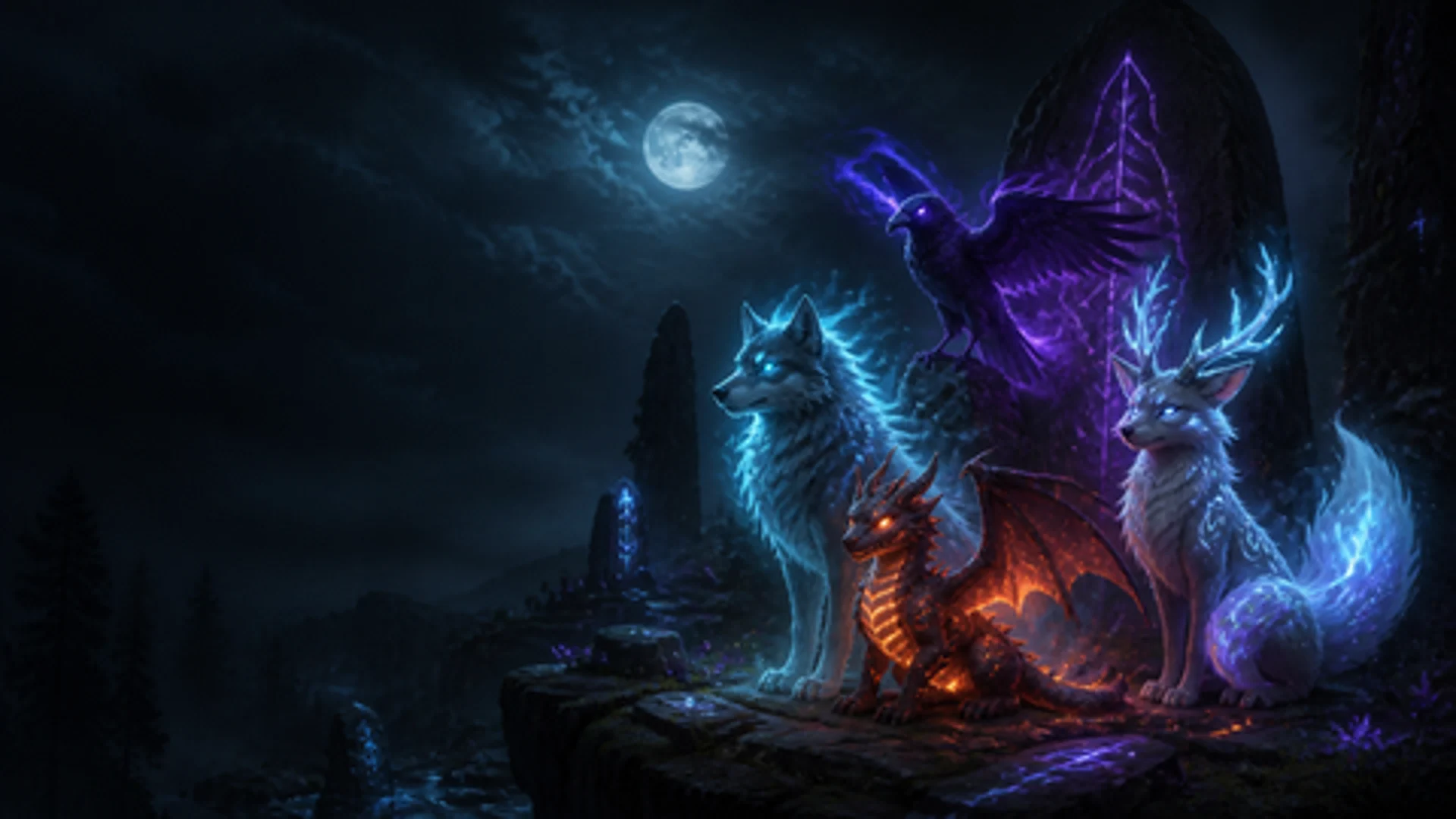
How to use the AI image upscaler
- Choose the options first. Leave the model on Auto and pick a size: 2×, 4×, 8×, a 4K wallpaper, a phone wallpaper or an A4 / A3 print at 300 dpi.
- Drop one or more images onto the box, click it to choose files, or paste a screenshot with Ctrl+V.
- Compare and download. When the result is ready, drag the before/after slider and zoom in to check the details, then download the full-size file.
Everyone gets five free upscales per day with every model and size. The counter refills at midnight UTC. There is no account, no credit card and no watermark on the result.
Which model should I use?
- Auto looks at your image and picks the anime or the photo model for you. This is the right choice in most cases.
- Anime & Art keeps clean line art and flat colours. Use it for anime screenshots, manga, illustrations, AI art from Midjourney or Stable Diffusion, logos, icons and pixel-free game art.
- Photo restores natural textures such as skin, hair, fabric and foliage without the plastic look of simple sharpening.
- Photo · denoise also removes JPEG blocks and sensor noise, which helps with old or heavily compressed pictures.
- Ultra models are larger networks for the most detail on small images. They accept up to 1 megapixel and take one to four minutes per image.
Upscale to 4K or to print size at 300 dpi
Instead of a factor you can choose a target. 4K wallpaper sets the long side to 3840 pixels, phone wallpaper to 3200 pixels. For printing, A4 · 300 dpi sets the long side to exactly 3508 pixels and A3 · 300 dpi to 4961 pixels, and the file carries a 300 dpi tag, so print shops and print-on-demand services read the right physical size. A 1024×1024 AI image, for example, becomes a sharp 3508×3508 file that prints at 29.7 cm.
Why AI upscaling looks better than resizing
Ordinary resizing (bicubic or Lanczos) only spreads the existing pixels over a larger area, so edges get soft and blurry. An AI upscaler such as Real-ESRGAN was trained on millions of image pairs and predicts the detail that a sharp, larger version would contain: crisp line art, readable text, natural textures. It cannot recover information that was never in the picture, such as a face that is only a few pixels wide, but for typical images the difference is obvious in the slider above.
Privacy and limits
Unlike the other tools on this site, upscaling needs a server: the AI models are too heavy for a browser. Your image is sent over an encrypted connection to our own server, processed there and deleted automatically after 24 hours, together with the result. Images are never used for training and never shared. Uploads can be PNG, JPG or WebP up to 30 MB and 2.5 megapixels (for example 1920×1300). Transparent backgrounds in PNG and WebP are kept.
Frequently asked questions
Is the AI image upscaler really free?
Yes. Everyone gets 5 upscales per day with every model and size, without an account, credit card or watermark. The daily counter resets at midnight UTC.
How do I upscale an image to 4K?
Choose the size 4K wallpaper before you drop the image. The long side becomes 3840 pixels and the other side follows the aspect ratio, so a 16:9 image ends up at 3840 by 2160 pixels.
Can I upscale anime and AI art?
Yes. The Anime and Art model is made for line art and flat colours, including anime screenshots, illustrations and images from Midjourney or Stable Diffusion. Auto picks it automatically for drawn images.
How do I make an image 300 dpi for printing?
Choose Print A4 or Print A3 at 300 dpi. The long side is set to 3508 or 4961 pixels, enough for a sharp print at that size, and the file is tagged with 300 dpi.
What happens to my uploaded images?
They are processed on our own server and deleted automatically after 24 hours together with the results. They are never used to train AI models and never shared with anyone.
Does it keep transparent backgrounds?
Yes. PNG and WebP results keep the alpha channel, so logos and stickers stay transparent. JPG has no transparency, so JPG results get a white background.